How to plan app architecture before coding

App architecture planning is the practice of defining your application's structural layers, component boundaries, and technical decisions before a single line of production code is written. Projects that skip this step pay a steep price: research from McKinsey and Oxford shows that poorly planned IT projects run 45% over budget and deliver 56% less value on average. Frameworks like Sprint Zero and the 5-Day Architecture Sprint exist precisely to prevent that outcome. Whether you are an aspiring developer or a non-technical founder, learning to plan app architecture before coding is the single highest-leverage investment you can make in your project's success.
What are the essential components and layers in app architecture planning?
Android's official architecture guide defines the minimum viable structure as two distinct layers: a UI/presentation layer that handles display and user interaction, and a data layer that contains business logic and exposes data to the rest of the app. Many production apps add a domain layer in between to house complex business rules that neither the UI nor the data layer should own. This separation is not a stylistic preference. It is the foundation of every scalable app.
Separation of concerns is the governing principle behind this layered approach. When each layer owns a clearly defined responsibility, you can modify one without breaking the others. The Android Developers guide confirms that abstracting dependencies through interfaces and API contracts allows teams to swap backends or rewrite business logic without touching the UI layer at all. That kind of flexibility is worth planning for from day one.
Dependency injection is the technical mechanism that makes separation of concerns practical. Tools like Hilt (for Android) or providers in Flutter wire components together without hardcoding dependencies, which reduces coupling and makes unit testing straightforward. Repositories sit at the boundary between the data layer and the rest of the app, acting as the single source of truth for each data type.
- UI/presentation layer: Manages state holders, renders screens, and reacts to user events.
- Data layer: Contains repositories, data sources (remote APIs and local databases), and business logic.
- Domain layer (optional): Houses use cases that orchestrate complex operations across multiple repositories.
- Dependency injection: Decouples components so each layer can be tested and replaced independently.
Pro Tip: Design your repository interfaces before writing any implementation code. This forces you to define what data each layer needs, which reveals gaps in your data model early and keeps your architecture honest.
How do Sprint Zero and the 5-Day Architecture Sprint structure pre-coding work?
Two time-boxed frameworks dominate modern pre-coding architecture planning: Sprint Zero and the 5-Day Architecture Sprint. Both treat architectural readiness as a deliberate, scheduled outcome rather than an afterthought.
Sprint Zero runs for three to seven days and produces four concrete outputs before development begins:
- A high-level architecture sketch that documents component boundaries and data flows.
- A provisioned development environment so every team member can run the project locally.
- A configured CI/CD pipeline (using tools like GitHub Actions or CircleCI) so code is deployable from the first commit.
- Agreed tooling standards covering linters, formatters, and branching conventions.
The 5-Day Architecture Sprint is more structured, with each day assigned a specific focus:
| Day | Activity | Key output |
|---|---|---|
| Day 1 | Scope and requirements review | Feature list, constraints, non-functional requirements |
| Day 2 | Workflow mapping and tenancy model | User journey diagrams, multi-tenancy decision |
| Day 3 | Core architectural decisions | Data model, API design, auth strategy |
| Day 4 | Stack validation and risk identification | Tech stack confirmation, risk register |
| Day 5 | Deliverables and roadmap | ADRs, prioritised roadmap, effort estimates |
Mapping workflows on Day 2 is the most underrated step in the entire sprint. Workflow mapping anchors architectural planning in reality, preventing teams from drawing diagrams that do not reflect how users actually move through the product. Natural component boundaries emerge from real user journeys, not from theoretical system design.

Architecture Decision Records (ADRs) are the primary written output of both frameworks. An ADR documents a single significant decision, the context that drove it, the alternatives considered, and the rationale for the choice made. Teams that maintain ADRs onboard new developers faster and avoid relitigating settled decisions months later.
Pro Tip: Time-box your architecture sprint ruthlessly. Over-engineering and analysis paralysis are the two most common reasons pre-coding phases drag on without producing deployable code. Set a hard end date and ship a skeleton app with authentication and basic UI by week two.
What technical decisions and trade-offs must be made during architecture planning?
Five decisions made during architecture planning shape everything that follows. Getting these right before coding starts determines whether your app scales gracefully or accumulates technical debt from the first sprint.
- Monolith vs. microservices: For most MVPs and early-stage products, a well-structured monolith is the correct starting point. Microservices introduce operational complexity (separate deployments, network latency, distributed tracing) that small teams cannot absorb without slowing feature delivery significantly.
- Auth strategy: Authentication touches every layer of the app. Choosing between session-based auth, JWT tokens, or a managed service like Auth0 or Firebase Authentication early prevents costly rewrites when you add social login or multi-factor authentication later.
- Data model design: Your schema is the hardest thing to change after launch. Spend time on entity relationships, indexing strategy, and whether you need a relational database (PostgreSQL), a document store (MongoDB), or a hybrid approach.
- API design (REST vs. GraphQL): REST is the simpler default and works well when your client needs are uniform. GraphQL earns its complexity when multiple clients (web, mobile, third-party) need different data shapes from the same endpoints.
- Infrastructure model: Managed platforms like Railway, Render, or Fly.io reduce operational overhead for early-stage teams. Raw cloud providers (AWS, Google Cloud, Azure) offer more control but require dedicated DevOps capacity.
| Decision | Default recommendation | When to deviate |
|---|---|---|
| Monolith vs. microservices | Monolith | Multiple independent teams, distinct scaling needs |
| Auth strategy | Managed service (Auth0, Firebase) | Strict data residency or compliance requirements |
| API design | REST | Highly varied client data requirements |
| Infrastructure | Managed platform | Large scale, cost sensitivity, or regulatory constraints |
The build vs. buy question applies to every component on this list. Building a custom auth system from scratch when Auth0 exists is a decision that costs weeks of development time and introduces security risk. The architecture planning phase is the right moment to make these trade-offs explicitly, with the full team aligned on the rationale.
Which planning artefacts and tools guide development before coding starts?
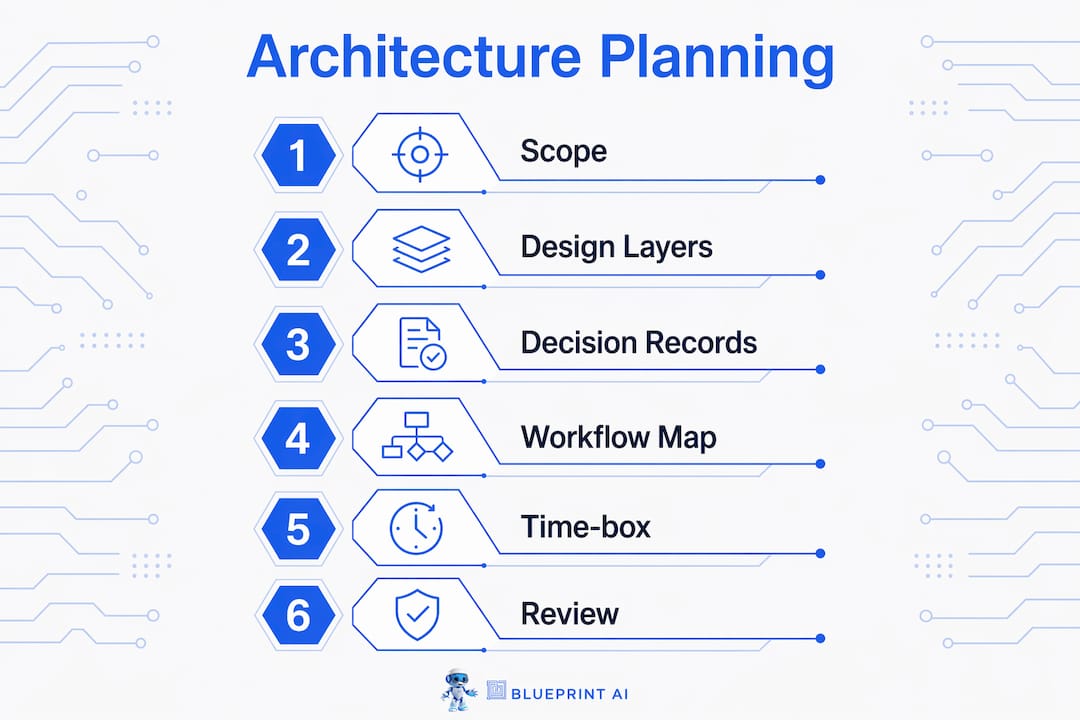
Planning artefacts are the written and diagrammatic outputs that keep a development team aligned from the first commit to the final release. These documents include user stories, API contracts, database schemas, ADRs, and technical roadmaps. Each serves a distinct purpose and prevents a specific category of misalignment.
User stories define what the product must do from the user's perspective, without prescribing implementation. They are the input to feature prioritisation and the basis for estimating effort. API contracts specify the exact shape of requests and responses between services or between the frontend and backend, allowing parallel development without constant coordination. A well-designed database schema locks in your data model before any ORM migrations are written, which is far cheaper than restructuring tables after data is in production.
- ADRs: One document per significant decision. Store them in version control alongside the code so they evolve with the project.
- Technical roadmap: A prioritised list of milestones with effort estimates, used to set realistic expectations with stakeholders and investors.
- Architecture diagram: A single-page visual of components, data flows, and external dependencies. Tools like Mermaid, Lucidchart, or Excalidraw work well for this.
- Software technical specification: A consolidated document that ties user stories, API contracts, and architecture decisions into a single reference for the development team.
Pro Tip: Keep artefacts lightweight. A one-page architecture diagram and five ADRs are more useful than a 40-page specification document that no one reads after week one. The goal is shared understanding, not comprehensive documentation.
What are common pitfalls in app architecture planning and how do you avoid them?
The most common failure mode in architecture planning is not skipping it entirely. It is spending too long on it. Teams that treat architecture planning as an open-ended research phase produce elaborate diagrams but no deployable code, which erodes stakeholder confidence and delays real feedback.
"Architecture planning should produce decisions, not possibilities. Every session that ends without a recorded choice is a session that will need to be repeated."
Time-boxing solves this directly. Architecture sprints produce prioritised roadmaps and risk registers that prevent wasted work downstream. Setting a hard deadline forces the team to make good-enough decisions rather than perfect ones, which is the correct trade-off at the pre-coding stage.
Three other pitfalls deserve attention. First, planning architecture in isolation from real constraints (hiring timeline, compliance requirements, budget) produces a design that cannot be executed by the actual team with the actual resources available. Second, failing to identify failure boundaries early means your testing strategy has no structure. Defining ownership of state and failure boundaries is what makes production-ready code achievable rather than aspirational. Third, locking architecture decisions too tightly prevents adaptation as you learn from early users. Build flexibility into your design by favouring interfaces over concrete implementations wherever the cost is low.
Key takeaways
Effective app architecture planning requires layered structure, time-boxed decision-making, and documented trade-offs before any production code is written.
| Point | Details |
|---|---|
| Layer your app from the start | Separate UI, data, and domain layers to enable independent testing and future changes. |
| Use a time-boxed framework | Sprint Zero or a 5-Day Architecture Sprint produces decisions and deliverables within one week. |
| Make five decisions early | Settle monolith vs. microservices, auth, data model, API design, and infrastructure before coding. |
| Document with ADRs | Record each significant decision with context and rationale to prevent repeated debates later. |
| Keep artefacts lightweight | A one-page diagram and a prioritised roadmap outperform a 40-page specification no one reads. |
Why I think most developers plan architecture too late, or not at all
I have reviewed dozens of early-stage codebases, and the pattern is almost always the same. The founder or lead developer was eager to ship, so they opened their IDE and started building. Six weeks later, the data layer is tangled with UI logic, the auth system is bolted on as an afterthought, and adding a second client (say, a mobile app) requires rewriting half the backend. The architecture was not absent. It was just undocumented and accidental.
The counterintuitive truth is that a week of deliberate architecture planning actually accelerates delivery. When your team agrees on layer boundaries, API contracts, and the data model upfront, parallel development becomes possible. The frontend developer does not need to wait for the backend to be finished. They work against an agreed contract. That kind of coordination is only possible when you have done the system design work before writing production code.
What I find most valuable about frameworks like Sprint Zero is not the artefacts they produce. It is the mindset shift they require. Treating architectural readiness as a scheduled, deliverable-driven outcome changes how teams think about the pre-coding phase. It stops being a vague "planning period" and becomes a sprint with a clear definition of done.
My honest recommendation: do not skip the architecture phase to save time. You will spend that time later, under pressure, fixing problems that are far more expensive to correct in a live codebase than they would have been to prevent in a planning document.
— Rishi
How Blueprintbot helps you design your app structure before coding
Blueprintbot transforms your app idea into a detailed technical blueprint in seconds, covering system architecture, API designs, database schemas, and cost estimates. For founders and developers who want to apply the frameworks covered in this article without spending days on manual documentation, Blueprintbot generates the planning artefacts automatically.
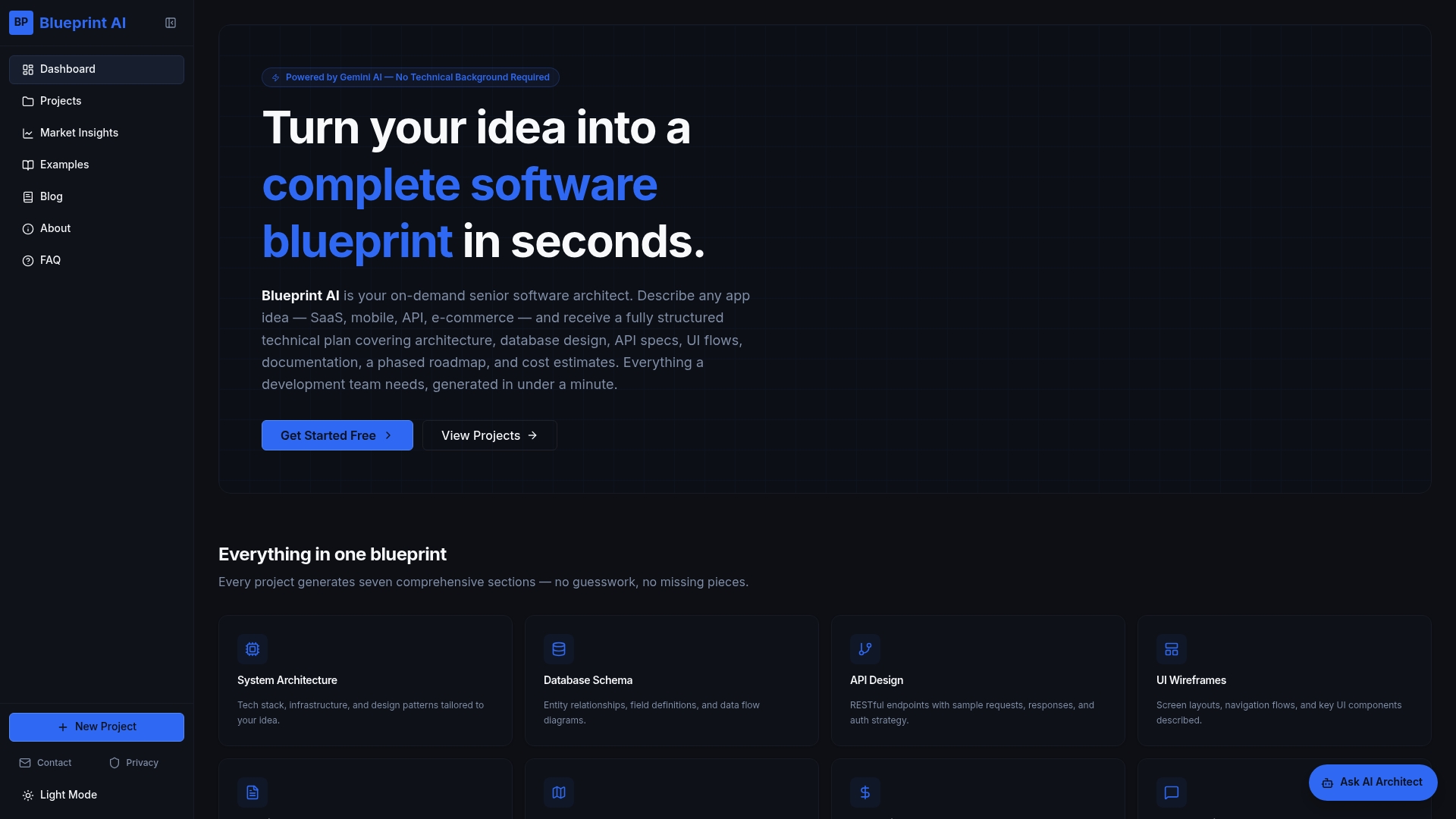
You can explore real generated blueprints to see exactly what the output looks like across different app types, from SaaS platforms to e-commerce products. If you are unsure whether Blueprintbot fits your situation, the use cases page covers how founders, product managers, and non-technical entrepreneurs use it to align teams and prepare for investor conversations. No technical background is required to get started.
FAQ
What does it mean to plan app architecture before coding?
Planning app architecture before coding means defining your app's structural layers, component boundaries, data model, and key technical decisions before writing production code. The goal is to prevent costly rewrites and misalignment once development begins.
How long should architecture planning take?
A well-run architecture planning phase takes three to seven days using a framework like Sprint Zero or the 5-Day Architecture Sprint. Longer than that risks analysis paralysis without producing additional value.
What is an Architecture Decision Record (ADR)?
An ADR is a short document that captures one significant architectural decision, the context behind it, the alternatives considered, and the rationale for the final choice. ADRs are stored in version control alongside the codebase.
Should I choose a monolith or microservices for my first app?
For most early-stage apps and MVPs, a monolith is the correct starting point. Microservices add operational complexity that small teams cannot absorb without slowing feature delivery.
What planning artefacts should I produce before coding starts?
The minimum set includes a high-level architecture diagram, API contracts, a database schema, user stories, and at least a handful of ADRs covering your five most significant technical decisions.