Top 6 Vitals.agency Alternatives 2026

Creating a detailed and developer-friendly software blueprint quickly for new projects remains cumbersome for many teams. Many current software blueprint generators either lock clear output formats behind subscriptions or lack AI-assisted follow ups for iterative planning. This list compares pricing, export formats, and AI features so teams can choose a blueprint generator that fully matches their workflow requirements.
Table of Contents
BPBlueprint AI
At a Glance
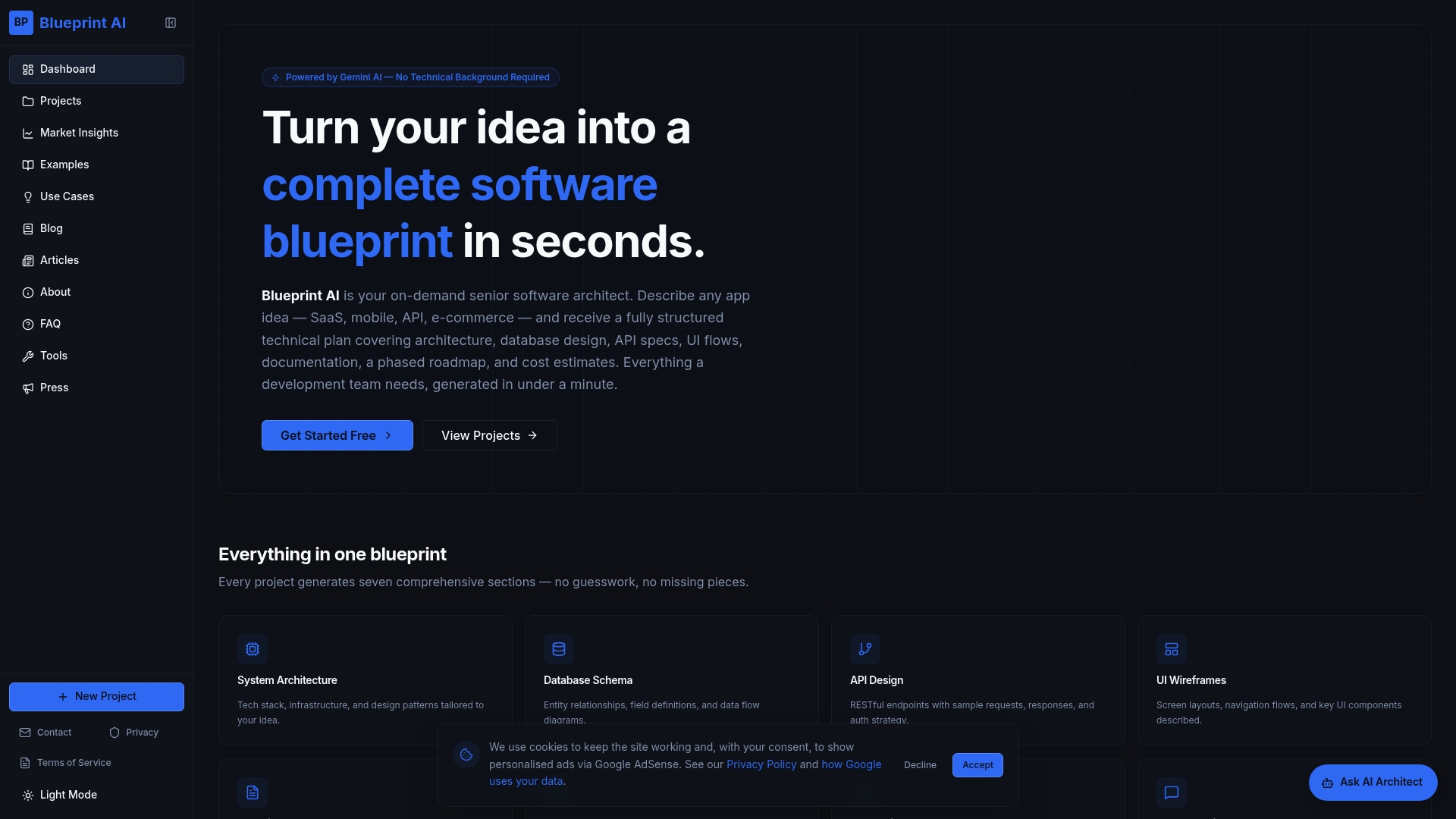
BPBlueprint AI reports it generates comprehensive technical plans in under a minute. That claim emphasises speed for early planning and rapid validation. The tool produces system architecture, database schemas, API specifications, UI flows, technical documentation, roadmaps and cost estimates in a developer friendly format.
Core Features
BPBlueprint AI produces structured blueprints that combine system architecture, database design, API specs and UI wireframes, and it returns them as exportable markdown that developers can read without reformatting. The platform includes a development roadmap and cost estimates as part of the same output, and it supports multiple project types such as SaaS, mobile apps, e commerce and API services. An integrated AI chat assistant lets you ask follow up questions to refine the plan iteratively.
Key Differentiator
The product is powered by Google's Gemini AI and formats results specifically for developer consumption while offering an integrated follow up AI chat. That developer oriented formatting reduces back and forth between founders and engineers by delivering clear, exportable technical artefacts. This focus on developer readable output separates it from tools that only produce high level summaries.
Pros
Fast, structured outputs reduce the time you spend turning ideas into technical scopes. The exportable markdown output makes hand off to development teams direct and reduces rework. Non technical founders and product managers can get developer friendly specifications without writing code, which speeds early scoping and investor conversations. The integrated AI chat assistant helps iterate on requirements and clarifies ambiguous points in the initial blueprint.
Cons
- Generated blueprints can require manual refinement because the AI may miss edge cases or platform specific constraints.
Who It's For
This tool fits non technical founders, product managers, freelancers and students who need a usable technical plan quickly. It also suits small agencies preparing scopes for client proposals and teams that want a baseline architecture to hand to developers. Developers can use it as a starting point, though they should expect to fine tune details.
Unique Value Proposition
Exportable developer friendly markdown that contains architecture diagrams, database schemas, API designs, UI flows and cost estimates reduces formatting work when you hand deliverables to engineers or investors. That single file output shortens the time from idea to a shareable technical spec and lowers the coordination cost between product and engineering teams.
Real World Use Case
A startup founder used BPBlueprint AI to draft a full system architecture and tech stack for a new SaaS platform, then handed the markdown to prospective developers. The team used the blueprint to ask targeted follow up questions in the AI chat assistant and to prepare a clear budget estimate for investors.
Website: https://blueprintbot.net
Blueprint Pro AI
At a Glance
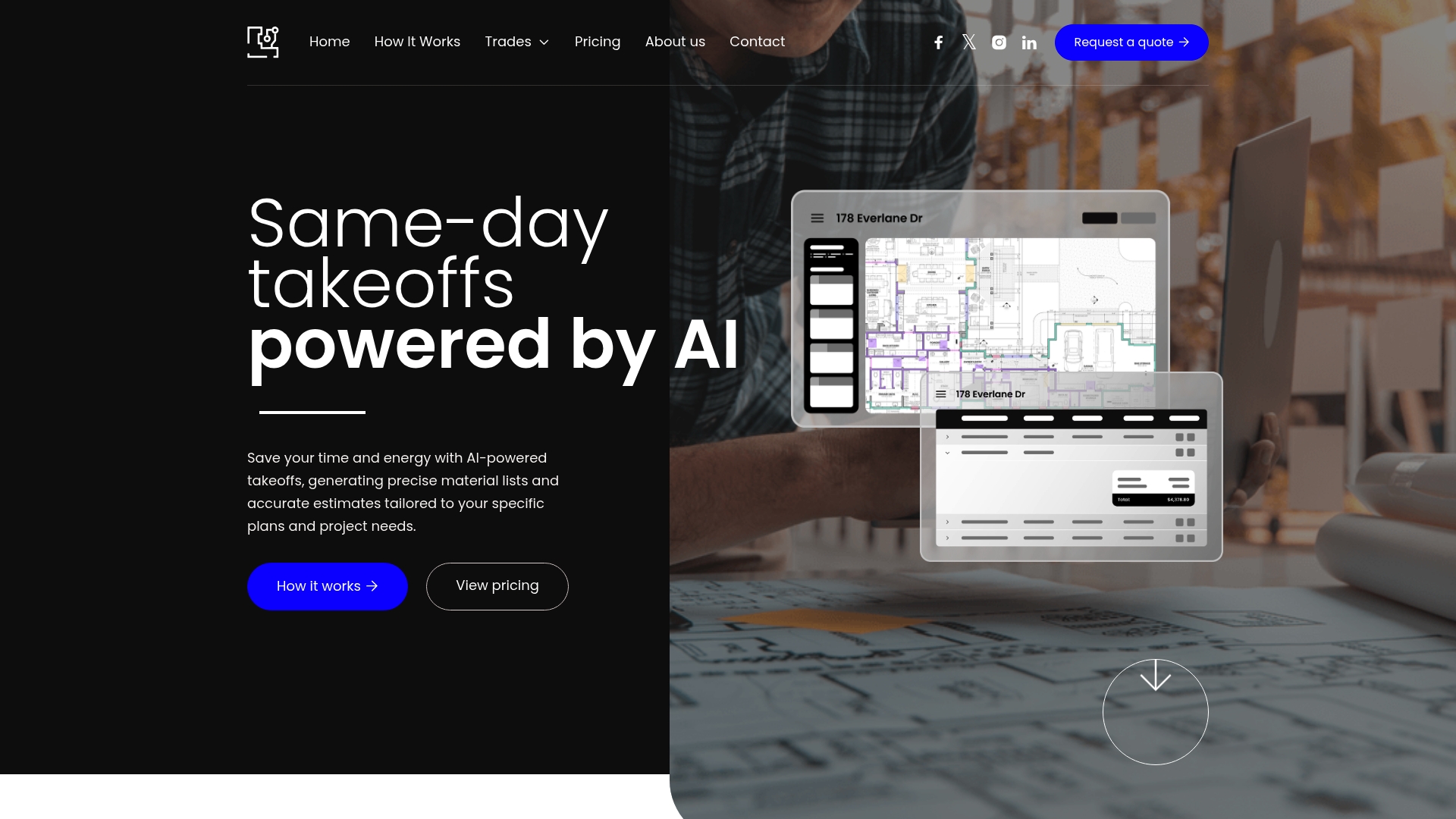
Blueprint Pro AI reports over 99% accuracy and claims initial takeoff results in 15–30 minutes. This vendor presents those figures as part of a third party takeoff model that performs blueprint analysis on behalf of clients. The product targets enterprise contractors, estimators, and builders who need faster, more reliable cost estimates.
Core Features
The platform performs AI powered blueprint analysis and produces detailed material lists and construction estimates, while also offering team management and user permissions. It handles in app payments and order management and includes reports and analytics for tracking project accuracy and performance. Those capabilities are organised around a workflow that moves from uploaded plans to a delivered estimate.
Key Differentiator
What sets this product apart is its third party takeoff service model that completes analysis for you rather than exposing raw tools. That accuracy claim works with a staffed service layer so you get reviewed outputs instead of only automated line items. The model suits teams that prefer handing off blueprint interpretation to a specialised partner.
Pros
The vendor advertises a high accuracy rate, which reduces costly rework and scope errors during bidding. That speed target shortens bid cycles and helps teams respond quickly to requests for proposals. The service model offloads the manual takeoff workload and supports integrations with supplier product listing tools and construction management software for downstream ordering and project tracking.
Cons
Pricing is handled through sales inquiry. This can delay clear upfront cost understanding for time sensitive bids.
Support for some trades is listed as Coming Soon. This means a few trade specific workflows may not be available yet.
The platform depends on AI driven analysis and a third party service model. Teams that prefer entirely manual estimation workflows may find the approach mismatched.
When It May Not Fit
If you need immediate transparent pricing then the sales inquiry model will slow decision making. Projects that require trade specific features now may find gaps because some functionality is still coming soon. Small contractors who do every takeoff manually may not benefit from a service that shifts work to an external workflow.
Notable Integrations
Construction management software. This supports synchronising estimates with project schedules and tasks.
Supplier product listing tools. This enables map ping of line items to supplier SKUs and order placement.
Who It's For
Contractors, estimators, and construction managers who need faster, team based estimating will find the platform relevant. Enterprise users that prefer a service model handling takeoffs suit the product. Organisations that already use supplier and construction management systems will gain the most value.
Real World Use Case
The vendor describes an estimator using Blueprint Pro AI to cut estimation time from days to under an hour. That scenario shows how fast reviewed takeoffs speed the bidding process and let teams pursue more leads. The outputs also feed supplier lists to accelerate procurement.
Pricing
Pricing is not published on the website and is managed through sales conversations. The site lists pricing as not applicable and informational only, so expect to request a quote for project level pricing. Larger enterprise engagements will likely follow a negotiated contract.
Website: https://blueprintpro.ai
Enji.ai
At a Glance
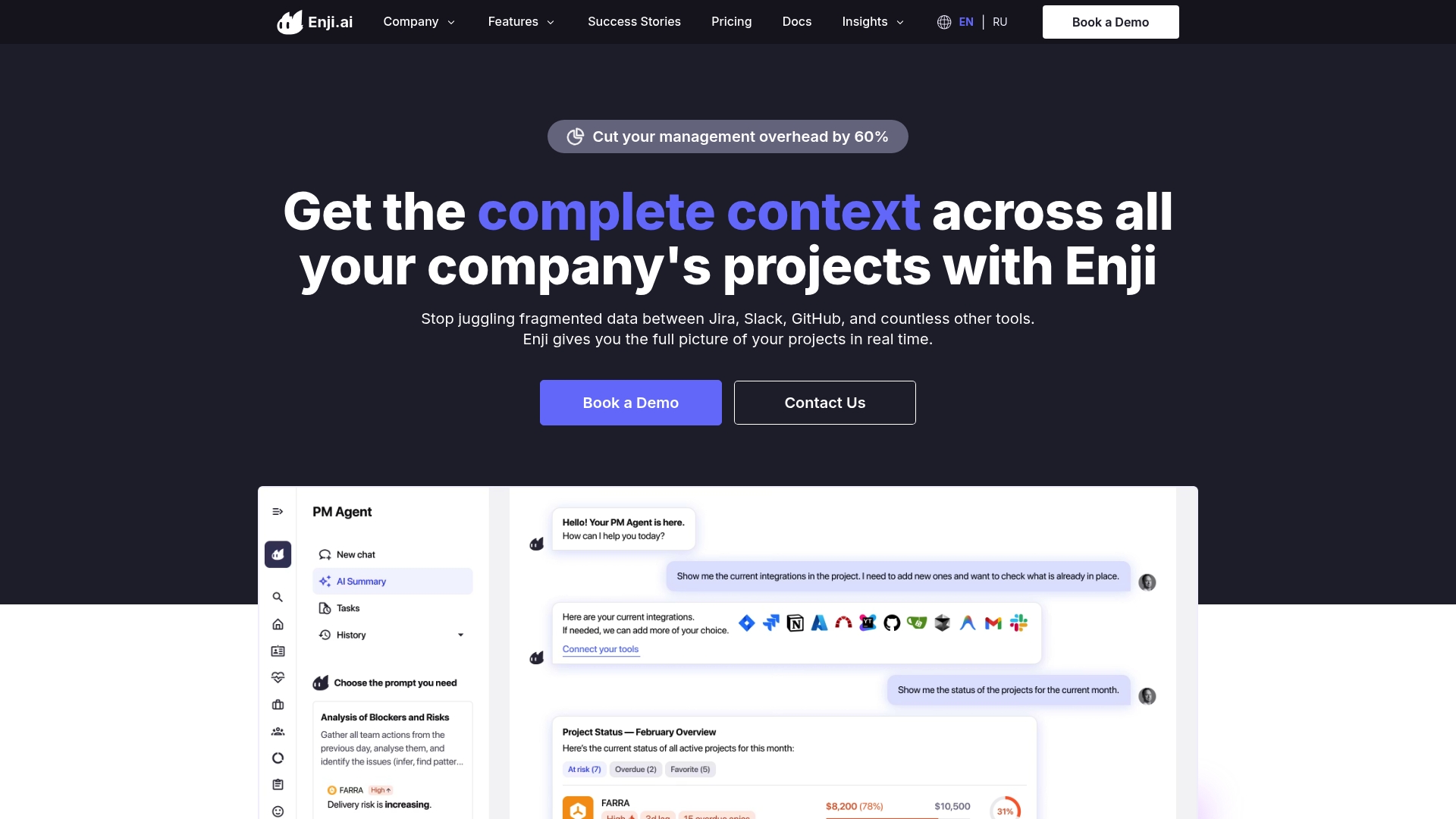
Project Narrative™ weaves events from Jira, Slack, GitHub, GitLab, Azure DevOps, and Confluence into one coherent timeline. The platform combines that timeline with real time dashboards, cost and profitability reports, and an employee pulse for team health. That mix gives product and delivery leads a single place to read project state and risks.
Core Features
Enji.ai offers AI Assistance that gathers data and surfaces strategic observations from connected tools. It provides real time project dashboards and automated reporting that pull from the unified timeline and repository metrics. Financial features include feature level cost tracking and profitability reports while the employee pulse tracks team health and burnout signals.
Key Differentiator
The central differentiator is the Project Narrative™ that links tool events into a single timeline for AI driven insights. That narrative turns fragmented events into context the assistant can act on for alerts, status messages, and financial roll ups. Teams get a story of progress rather than isolated metrics.
Pros
Deep integrations with Jira, Slack, GitHub, GitLab, Azure DevOps, Redmine, YouTrack, and Confluence centralise project data and reduce manual aggregation. The AI driven automation lowers time spent on status reports and proposes risks and next steps from the timeline. Financial metrics and feature level cost tracking help product managers measure margins and adjust scope. Customisable plans and an on premise option support organisations with stricter data controls.
Cons
- Implementation requires dedicated support for complex instances and enterprise toolchains.
- Initial setup and configuration can be resource intensive according to buyer reviews.
- Advanced items such as custom modules and on premise deployment are available on request, which implies extra cost and lead time.
When It May Not Fit
Organisations with minimal tooling or only a single project will not benefit from the timeline aggregation model. Teams without internal change management capacity may find onboarding and configuration slow. Companies that need out of the box, low touch setups should expect additional effort or look elsewhere.
Notable Integrations
- Jira, Slack, GitHub, GitLab, Azure DevOps.
- Redmine, YouTrack, Confluence.
Who It's For
Enji.ai fits performance oriented companies that run multiple projects across remote or hybrid teams. Product managers who need delivery visibility and finance teams that want feature level cost data will find the tooling useful. Leadership teams wanting proactive alerts and an auditable project timeline will likewise benefit.
Real World Use Case
Enji.ai's marketing materials state a mid sized software company connected Jira, Slack, and GitHub and automated progress reports, cost tracking, and risk alerts with a reported 60% time savings on management tasks. That example shows how timeline driven reporting can reclaim manager hours and surface margin issues earlier in the sprint cycle.
Pricing
Pricing is customised. Contact the vendor for tailored plans based on team size, scope, and required features. On premise deployment and custom modules are priced separately and quoted on request.
Website: https://enji.ai
Space AI
At a Glance
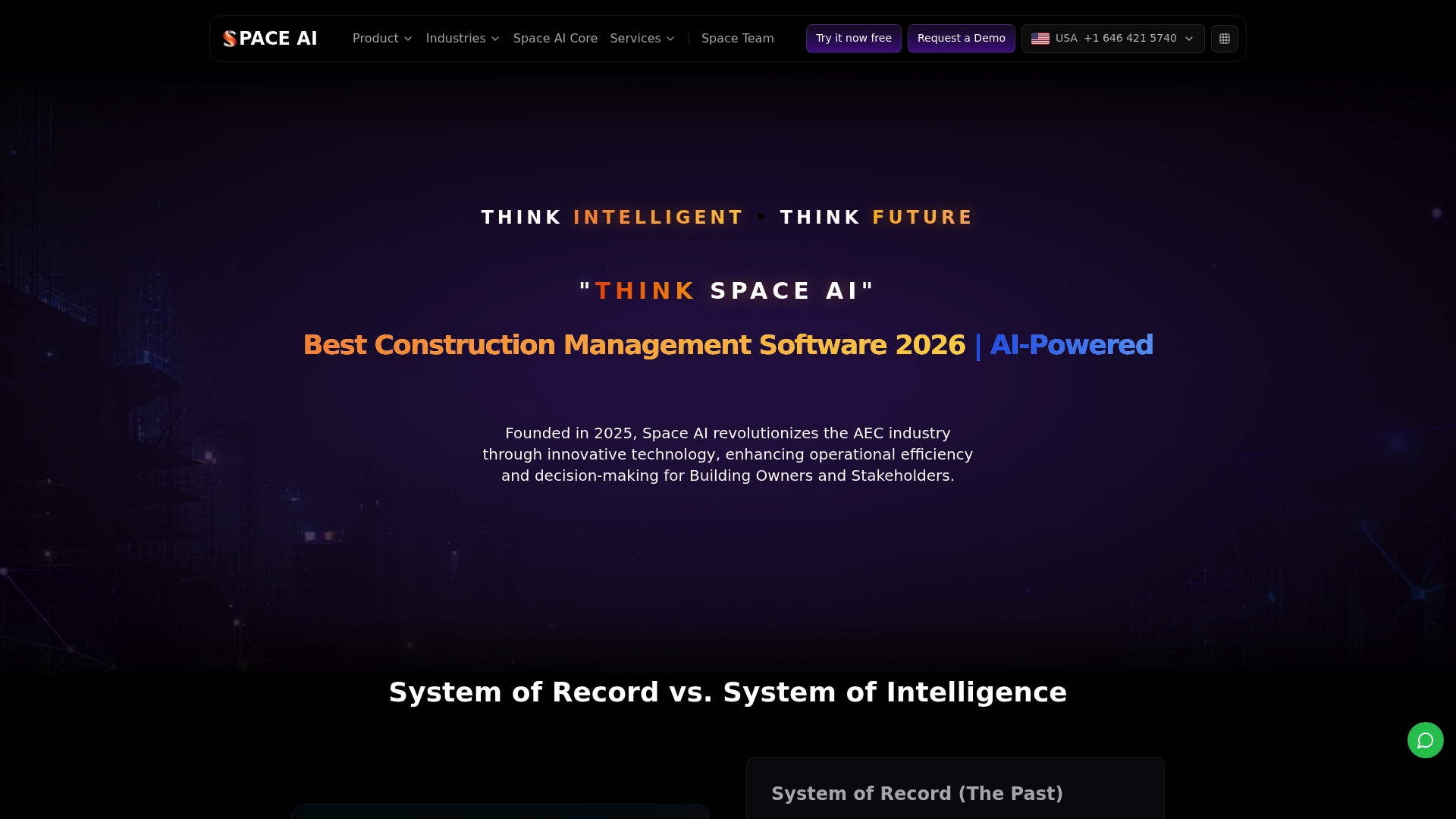
Space AI reports integration with more than 200+ tools across construction and business systems. It combines BIM semantic reasoning with autonomous scheduling to forecast delays and trigger automated actions. The vendor advertises a free tier with unlimited projects, and paid plans start at $99/user/month.
Core Features
Space AI offers AI-powered predictive analytics that ingest schedule data, sensor feeds, and BIM models to surface risk and delay forecasts. It applies BIM semantic reasoning to connect model elements to tasks and cost lines, and it provides no-code app building for teams to assemble custom workflows without writing code. The platform also supports scheduling automation and orchestration across different project systems.
Key Differentiator
Space AI is built on a decision intelligence platform that synthesises project data to drive proactive management rather than only recording past events. That approach lets the system propose schedule adjustments, reassign resources, or flag procurement risks automatically. The design targets building owners and enterprise stakeholders who need predictive oversight across complex projects.
Pros
The platform translates BIM and IoT inputs into clear risk signals and scheduling recommendations. A free tier with unlimited projects lowers the barrier to trial for small teams and pilot projects. Migration tools and connectors ease moving data from legacy construction systems, and enterprise options include custom AI models and on premise deployment for organisations with strict data requirements.
Cons
- Newer entrant with an ecosystem that remains smaller than legacy construction giants, which may limit specialised connectors.
- Complex customisation and advanced modelling often require vendor support or professional services to implement.
- Public case studies and broad user references are limited outside early adopter reviews.
When It May Not Fit
If your organisation relies on a mature ecosystem of specialised legacy integrations, Space AI may not yet match that breadth. Teams that cannot budget for initial professional services will find advanced customisation hard to complete alone. Organisations seeking a long public record of large scale deployments may prefer a vendor with a longer market history.
Notable Integrations
Space AI connects to Autodesk AutoCAD and Autodesk Revit to read design geometry and attributes. It links with BIM 360 and Bluebeam Revu for document and mark up workflows. Financial and office integrations include QuickBooks, Sage 300 CRE, Microsoft 365, and Google Workspace.
Who It's For
Construction project managers, asset owners, and enterprise stakeholders who want predictive management and autonomous project orchestration will find this platform relevant. It suits teams migrating from traditional project management tools and those looking to centralise model, schedule, and cost data for automated decision support. Smaller teams can pilot on the free tier before expanding.
Real World Use Case
A mid sized construction firm migrated programmes and schedules into Space AI and used predictive analytics to forecast delays on a structural package. The system suggested schedule shifts and alerted procurement teams to potential lead time conflicts. Those actions reduced reactive changes and helped the firm meet key milestones more consistently.
Pricing
A free tier is available for unlimited projects, which helps proof of concept work. The vendor lists paid plans starting at $99/user/month for expanded features and enterprise controls. Custom enterprise pricing applies for on premise deployment and bespoke AI model work.
Website: https://pmspace.ai
Blueprint.ai
At a Glance
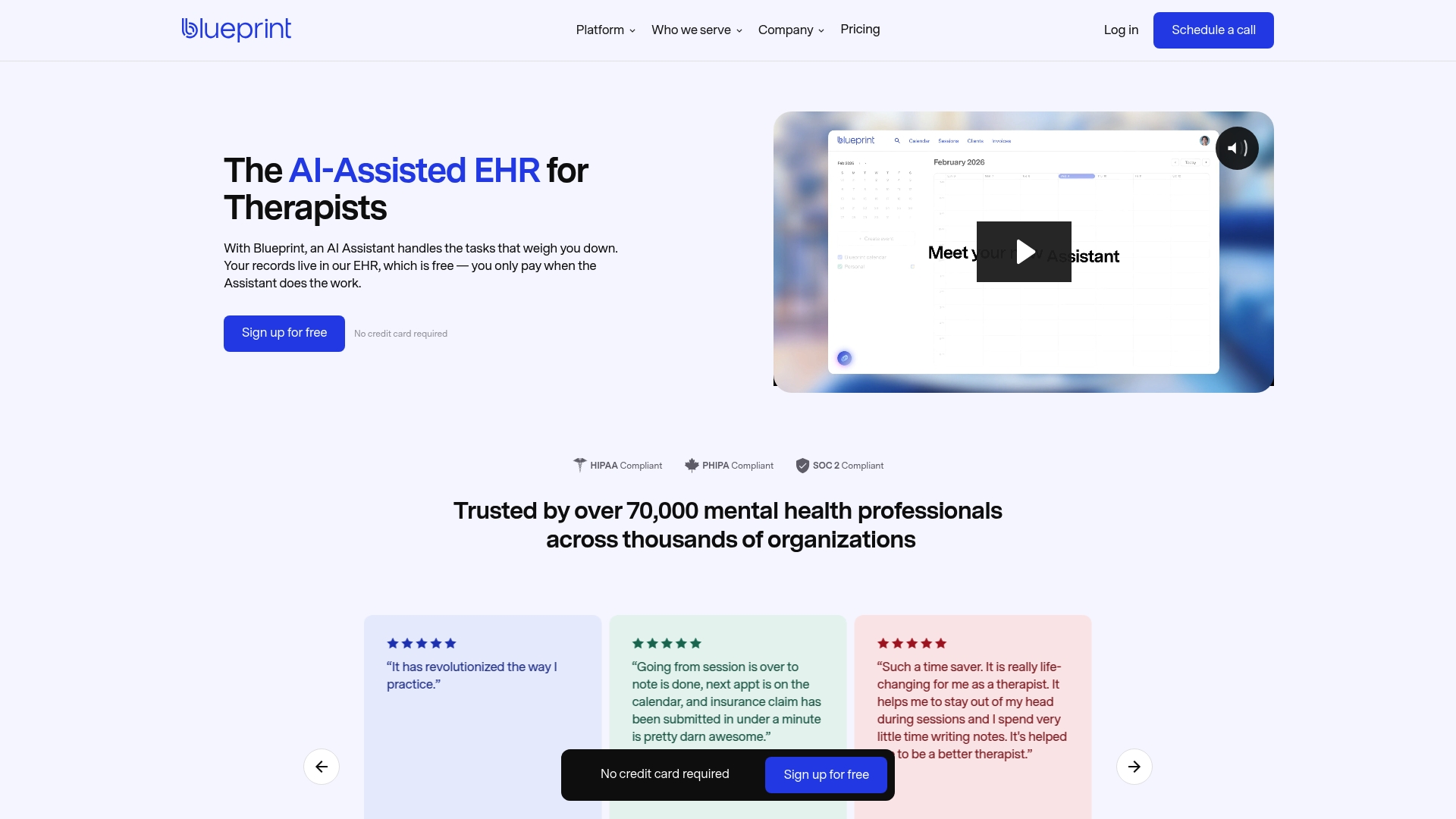
Blueprint.ai offers a free EHR while charging only for AI assistance, with usage pricing that begins at $0.99 per session. The platform pairs scheduling, telehealth, billing, and client records inside a single interface. That mix aims to cut administrative time for therapists by automating session documentation.
Core Features
The EHR includes scheduling, telehealth, billing, insurance claim handling, intake forms, progress notes, and treatment plans. An AI Assistant provides session transcription, real-time note drafting, and one-click session finalisation that bundles notes, billing, and claims. Client management lives inside the same system so records and claims stay connected to sessions.
Key Differentiator
Blueprint.ai charges for its AI Assistant based on active usage instead of placing the AI behind a fixed plan. That pricing model lets small practices use the full EHR without a subscription fee and only pay when the assistant generates notes. The vendor positions this as a way to scale AI costs with session volume.
Pros
The core practice management features remain free forever, which lowers the barrier for solo therapists and small clinics. The usage-based AI model lets practices control spending as they add automated note-taking and session support. The vendor states HIPAA, PHIPA, and SOC 2 compliance, and users report time savings that free therapists to focus more on care.
Cons
- Pricing can rise with session volume, making costs less predictable for large practices.
- Some advanced automations are restricted to higher-tier plans and may require plan upgrades.
- Migrating data from other EHRs can demand staff time, even though guidance is available.
When It May Not Fit
If your practice runs several hundred sessions per week, the per-session AI costs can become a significant line item. Practices that need offline access will find core AI and telehealth functions require an internet connection. Teams that expect all automations at the lowest price tier will face feature gates in higher plans.
Who It's For
Mental health professionals and therapists who want a single place for scheduling, records, billing, and session support will find Blueprint.ai relevant. Solo clinicians and small practices that prefer a free core EHR but want optional AI assistance are the best fit. Larger clinics that need predictable flat fees may prefer a different billing model.
Real World Use Case
A solo therapist uses Blueprint.ai to schedule clients, run telehealth sessions, and have the AI draft session notes during meetings. After each appointment the therapist reviews and finalises notes with one click, which also submits billing and claims. That workflow reduces time spent on paperwork and quickens the clinical record finalisation process.
Pricing
The core EHR is free forever, with AI billed on usage. Usage-based AI support starts at $0.99 per session and scales with session volume and AI features used. Larger practices should model monthly session counts to estimate monthly AI spend.
Website: https://blueprint.ai
Yuktis
At a Glance
Branded client portals include timestamped approval trails for every asset. This gives clients clear, auditable feedback and reduces back and forth in reviews. Agencies with many stakeholders see approvals finish faster and with less email.
Core Features
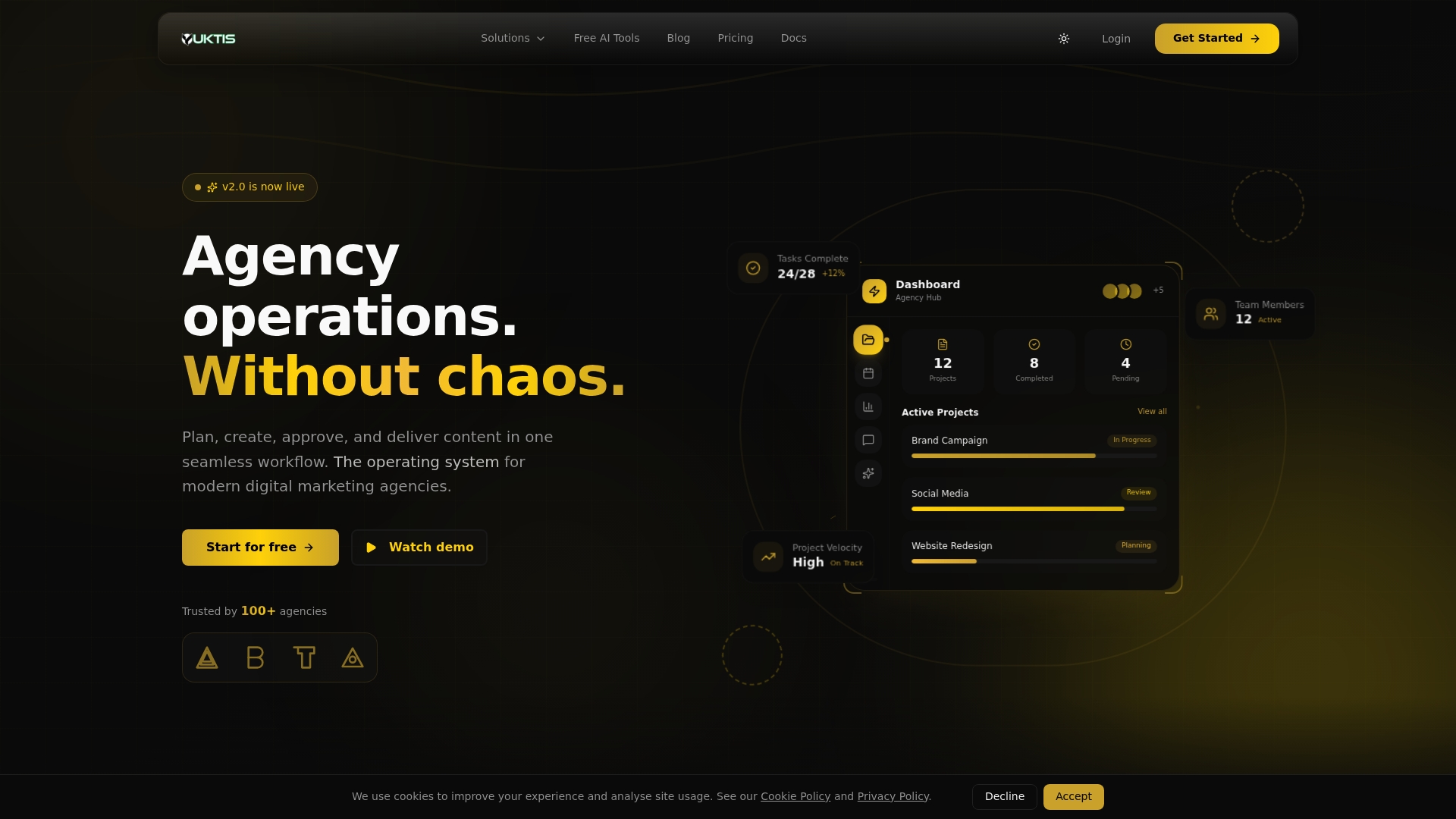
Yuktis combines project management, client portals, approval automation, asset libraries, and AI powered content utilities into a single interface. Visual workflows and ready templates help teams organise phases and assign responsibilities. Version control keeps creative files organised while automated approval logs record who signed off and when.
Key Differentiator
Yuktis stakes its position on built in client portals paired with structured approval workflows tailored for agency processes. These features aim to move review cycles out of email and into a traceable project context. That focus separates Yuktis from general project management tools that leave client access as an add on.
Pros
The product is purpose built for agency operations, so setup focuses on agency use cases rather than generic task lists. Native client portals and approval trails remove third party workarounds for feedback and reduce admin overhead. The platform also offers white label branding and AI utilities for content and campaign tasks, which helps agencies present a polished client experience while automating repetitive work.
Cons
- Pricing and direct comparisons to competitors are not detailed in public materials, which makes budget planning harder.
- Teams moving from Asana, ClickUp, or Notion report a learning curve when adapting existing processes.
- Only a few integrations are listed, so expanding connections may require custom work.
- The feature set suits medium and large agencies better than solo practitioners or very small teams.
When It May Not Fit
Small freelance teams with minimal review cycles will likely find the platform larger than needed. Organisations needing deep customised AI workflows may find the level of automation limited. If you depend on many niche integrations, the short public list may not meet your needs.
Notable Integrations
Yuktis integrates with Google Drive and Slack for file access and notifications. These links cover common agency workflows for sharing assets and sending status updates.
Who It's For
Medium sized marketing and creative agencies that run multiple client campaigns will benefit most. Product and account teams that require branded client access and strict approval records will find the feature set aligned to their needs. Solo freelancers and micro agencies are less likely to need the full platform.
Real World Use Case
A creative agency centralises its brand campaign work inside Yuktis, using visual workflows to track milestones. Creative teams upload versions to the asset library while clients review inside the branded portal. The agency then uses the timestamped approvals to finalise deliverables and invoice with a clear audit trail.
Pricing
Plans start at $9/month for individuals, with flexible subscription options and enterprise plans available by contact. The vendor frames pricing as adaptable to agency size and feature needs.
Website: https://yuktis.com
Comparison of alternatives
Selecting an efficient tool for technical planning and project initiation is essential for ensuring project success. Each available option offers distinct features catering to various professional needs, but understanding the trade-offs can guide decision-making effectively.
Blueprint generation formats and complexity
BPBlueprint AI outshines competitors in generating and developer-read technical blueprints, delivering architecture, design diagrams, and estimated budgets rapidly in exportable markdown formats. This detailed output primarily supports founders and product managers aiming to create project specifications.
Conversely, Blueprint Pro AI emphasizes a service-based model with detailed review processes, which caters well to enterprise construction teams desiring a collaborative estimation approach but might feel excessive for standalone blueprint generation needs.
Integrated data reporting workflows
For professionals managing multi-source project data, Enji.ai integrates cross-platform connections, visual timelines, and financial metrics, offering organisational insight into project progression and financial oversight. This capability addresses organisations needing continuous visibility into ongoing processes, a dimension less accentuated in BPBlueprint AI's more planning-focused model.
Best fit
- Founders and product managers who require precise and developer-ready technical specifications benefit most from BPBlueprint AI, given its tailored outputs.
- Construction estimating teams prioritizing reviewed accuracy and supplier integration would align with Blueprint Pro AI's workflows.
- Product managers overseeing integrated data flows will appreciate Enji.ai for its timeline-based analytics and profitability tracking.
Our pick
BPBlueprint AI provides unique value through its highly focused capability in delivering structured and technical plans quickly and efficiently, distinguishing it as an excellent choice for project leaders desiring clarity and speed in technical documentation and planning efforts. However, teams requiring integrated analytics or industry-specific solutions might explore options like Enji.ai or Blueprint Pro AI based on their organisational needs.
For those seeking a solution for efficient and structured blueprint generation tailored to professional needs, the following comparison highlights key attributes of various platforms available.
| Platform | Core Features | Unique Differentiator | Best For | Pricing | Notable Limitation |
|---|---|---|---|---|---|
| Blueprintbot | Generates technical plans including architecture, APIs, and cost estimates | Developer-oriented clear-export specifications | Non-developers requiring clear technical scopes | Price not published | Refines accuracy for edge cases |
| Blueprint Pro AI | Provides AI-powered blueprint analysis for estimates | Service model with reviewed blueprint analysis outputs | Enterprise contractors | Price not published | Requires service inquiry for pricing details |
| Enji.ai | Centralises project status and cost analysis | Unifies data into actionable project narratives | Data-intensive multi-team organisations | Price not published | Not optimal for single or minimal projects |
| Space AI | Risk forecasting from schedule and model data | Predictive BIM-based project intelligence | Construction project managers and enterprises | Free tier, $99/user/month | Less established ecosystem with fewer integrations |
| Blueprint.ai | Combination EHR and automated session support | Charges for AI by session usage | Therapists and small practices preferring a usage model | Starts at $0.99/session | Per-session AI costs scale with practice size |
| Yuktis | Enhanced client approvals with portal functionality | Tailored for marketing and creative agency processes | Medium and large marketing and creative agencies | Starts at $9/month | Learning curve for teams migrating from generic PM systems |
How Can You Quickly Turn Ideas into Detailed Technical Plans?
Non-technical founders, product managers, freelancers, and startups often struggle to create clear technical scopes from their app concepts. Blueprintbot solves this by generating developer-friendly system blueprints in seconds. These outputs include system architecture, database schemas, API designs, UI flows, cost estimates, and step-by-step deployment guides.
Blueprintbot fills the gap between idea and technical reality with fast, structured markdown reports that reduce back and forth with engineering teams. Its AI chat assistant helps clarify and refine plans interactively.
Explore Blueprintbot to create a full technical plan from your app idea and hand it to developers without writing code. Import your concept and see a complete blueprint ready in under a minute.
Try Blueprintbot now and speed up how you translate ideas into developer-ready specs.
FAQ
How quickly does Blueprintbot generate blueprints?
Blueprintbot produces comprehensive technical plans in under one minute. This speed enhances early planning and rapid validation, making it suitable for non-technical founders and product managers who need to move quickly.
What is the difference between Blueprintbot and Blueprint Pro AI?
Blueprint Pro AI excels with its accuracy and claims initial takeoff results in 15–30 minutes. Blueprintbot, on the other hand, is designed specifically for generating developer-friendly specifications quickly, reducing back-and-forth between founders and engineers.
Which platforms support project types like SaaS and mobile apps?
Blueprintbot supports multiple project types, including SaaS and mobile apps, offering well-structured blueprints in an exportable format. This flexibility allows users to adapt the tool to various development needs without much fuss.
Does Blueprintbot provide integrated chat assistance?
An integrated AI chat assistant is included in Blueprintbot, allowing users to refine their plans iteratively. This feature is especially useful for those seeking clarification on initial blueprints and helps in confirming technical requirements.
What kind of outputs can I expect from Blueprintbot?
Blueprintbot delivers structured blueprints that include system architecture, database schemas, API specifications, UI flows, technical documentation, and cost estimates. This comprehensive output is essential for both non-technical founders and development teams.
