Top 4 nuvai.dev Alternatives 2026
Finding a technical blueprint generator that delivers developer-ready specs without manual drafting or heavy reliance on technical staff slows down early-stage planning. Many tools lock essential export formats, detailed blueprints, or architecture guides behind steep fees or hide them in sales-driven enterprise plans. This comparison covers export options, collaborative features, and integration steps so you can match a blueprint generator to your project scale and export needs without upfront commitments or technical bottlenecks.
Table of Contents
BPBlueprint AI
At a Glance
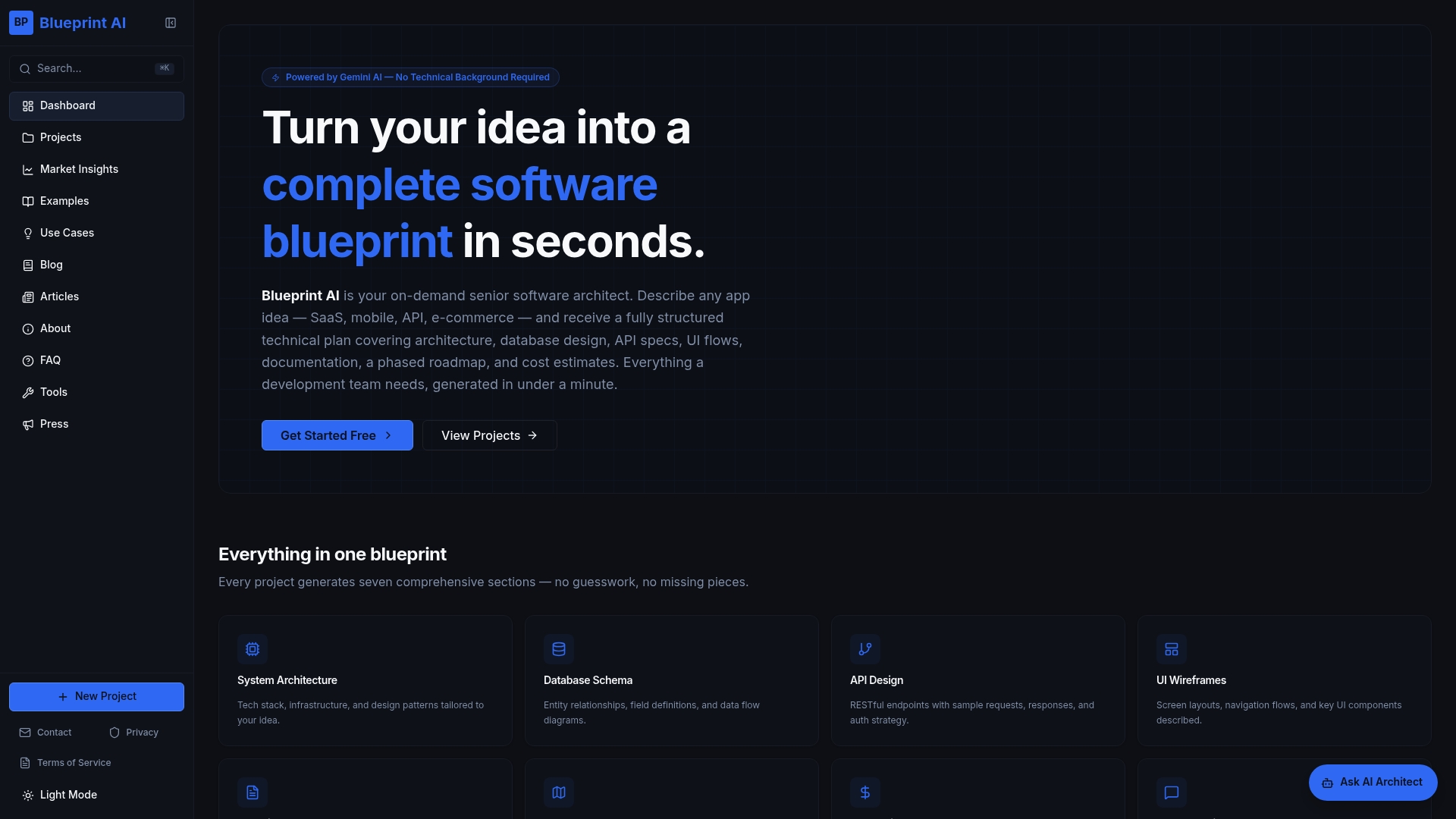
Blueprint AI generates detailed technical blueprints in under a minute, the vendor advertises. The system returns architecture, database schema, API design, UI wireframes, technical documentation, development roadmap, and cost estimates. An AI chat assistant lets you ask follow-up questions about design choices and trade-offs.
Core Features
BPBlueprint AI converts plain-English app ideas into structured blueprints that include system architecture, database schemas, API specifications, UI wireframes, technical docs, development roadmaps, and cost estimates. The generator runs on Gemini AI with engineered prompts intended to mimic a senior architect and it exports results in Markdown for GitHub, Notion, and VS Code. An integrated AI chat assistant supports iterative refinement and clarifying questions.
Key Differentiator
BPBlueprint AI uses proprietary engineered prompts tuned on Gemini AI to produce senior-architect-level outputs tailored to app type and scale. That approach aims to make recommendations specific to SaaS, mobile, e-commerce, API, and other app categories. The prompt engineering is the primary mechanism that drives context awareness and template selection.
Pros
The generator produces full technical specifications quickly and stores structured outputs in a searchable format, so you can export to GitHub or Notion and hand files directly to engineers. It targets non-technical founders and product managers by removing the need for a CTO to draft the first architecture. The vendor offers free access during beta with no credit card required, which lowers the barrier for early-stage validation and scoping.
Cons
- Relies on AI templates and may not capture highly customised, complex architectures without human architectural review.
Who It's For
Early-stage founders, product managers, freelancers, developers, students, and agencies who need a rapid, shareable technical plan. Use it when you want a developer-ready starting point for scoping, investor pitch decks, or handing off requirements to an engineering team. It suits people who can refine AI output with domain expertise.
Unique Value Proposition
Includes step-by-step guides for publishing mobile apps to Google Play and the Apple App Store, which shortens the handoff from plan to deployable release. That publishing guidance paired with developer-ready exports reduces the number of manual conversion steps between planning and implementation. For teams that publish mobile apps, this can speed handoffs to build and release owners.
Real World Use Case
A founder types a SaaS idea in plain English and receives a complete technical blueprint that outlines architecture, database design, and API endpoints. The exported Markdown files plug into a GitHub repo and the team uses the AI chat assistant to clarify stack choices and trade-offs before starting sprints. The result is a documented plan ready for development or investor review.
Website: https://blueprintbot.net
Shotgun
At a Glance
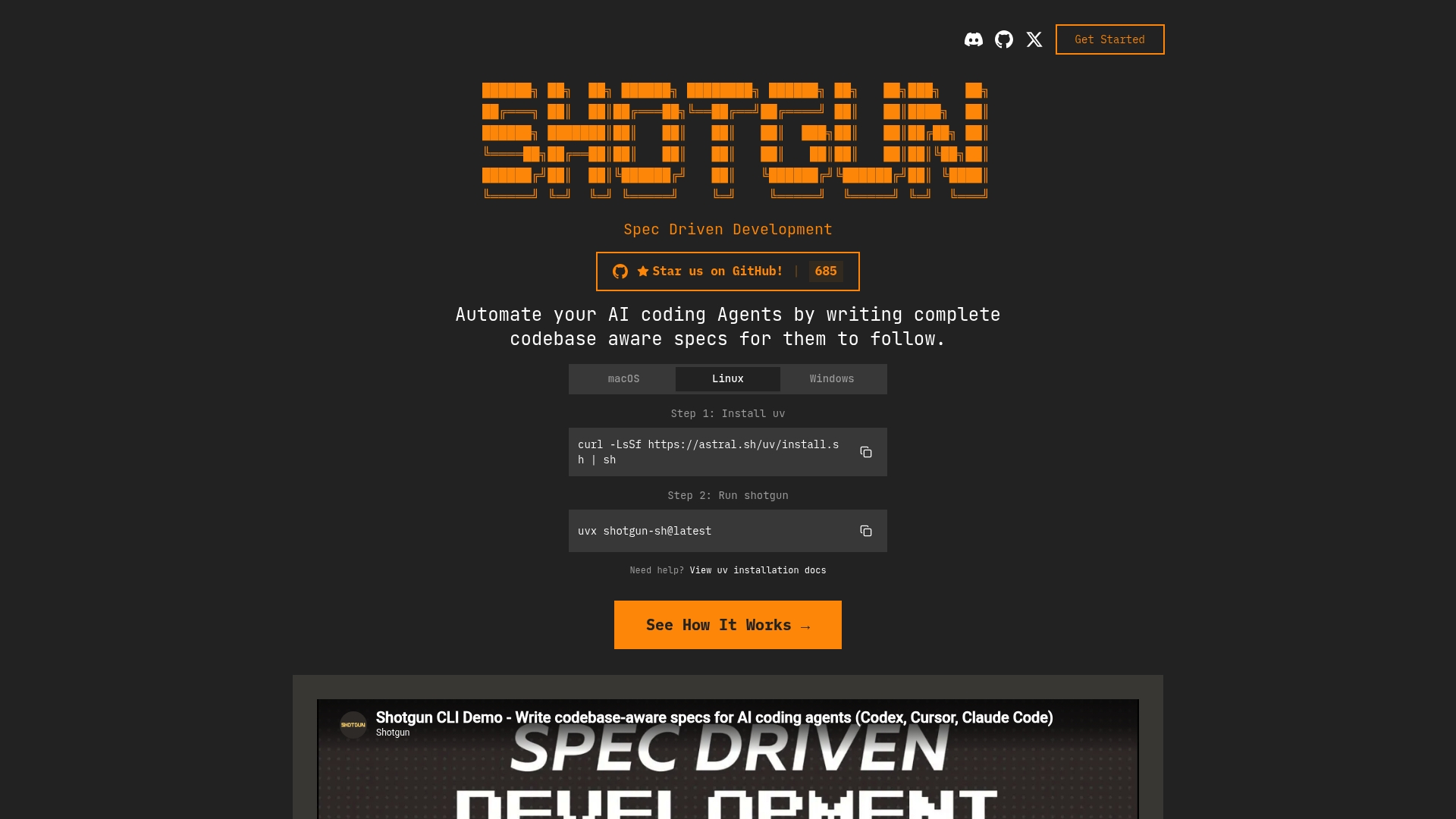
Can run locally with open source models without cloud services or API keys. That capability lets teams avoid third party inference costs and keep code and data inside their environment. Shotgun targets developers building large features by turning planning work into reviewable, machine friendly specifications.
Core Features
Shotgun performs codebase research to map existing architecture and surface where new work should land. It supports staged feature planning that breaks large projects into reviewable phases and generates instructions for changes to each file. Output is agent ready output that AI coding tools can consume, and the system supports open source models for local execution without cloud dependencies.
Key Differentiator
Shotgun focuses on staged, codebase aware specifications that feed AI agents. That emphasis improves coordination on multi stage feature work and gives teams a reviewable plan before any code is changed. The product favours explicit, file level instructions over high level prompts.
Pros
Shotgun makes planning traceable by producing clear stages and deliverables that reviewers and engineers can read and sign off on. The tool supports local use with open source models, which reduces reliance on external APIs and helps teams control costs. Because outputs target AI agents, the specifications can guide automated edits while still leaving room for human review.
Cons
- Requires familiarity with command line setup and execution. Teams without shell experience will face a learning curve.
- Relies on developers to write detailed specifications. The output quality depends on the thoroughness of those specs.
- Limited context and user feedback are publicly available. Community experience is still sparse compared with established developer tools.
When It May Not Fit
If your team needs a plug and play service, Shotgun will feel heavyweight because setup and configuration are manual. If you expect a system to produce polished code without human authored specifications, Shotgun is not the right match. Small projects that do not need staged planning will find the workflow excessive.
Notable Integrations
- gpt-oss:20b and llama3.3 for local model execution.
- qwen2.5-coder as an additional model option for coder oriented inference.
- GitHub for version control and synchronising generated specs with repositories.
Who It's For
Developers and teams building complex AI assisted features who can invest time in writing specifications and managing local models. Teams that prefer maintaining code and data on premises will get the most value. Product managers who will review staged plans alongside engineers also benefit.
Real World Use Case
A development squad used Shotgun to break a multi month feature into discrete stages. Engineers ran codebase research, accepted the generated stage plan, and then let AI agents apply file level suggestions. Review gates caught edge cases before merge, which kept releases predictable.
Pricing
Not applicable. Shotgun is presented as informational only and does not list commercial pricing or hosted tiers. Organisations should plan for implementation time and potential infrastructure costs for running local models.
Website: https://shotgun.sh
Agent Blueprint
At a Glance
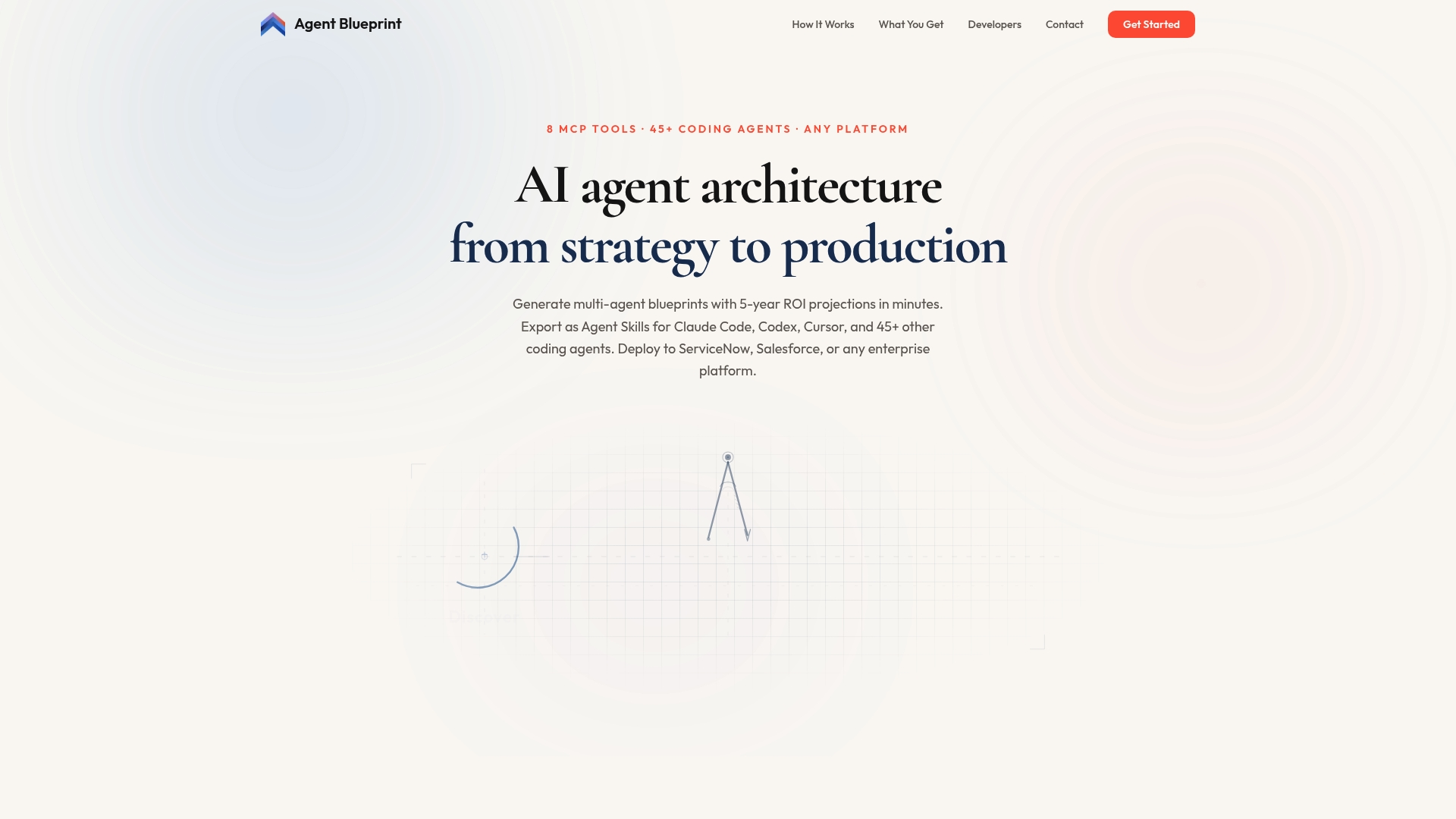
Agent Blueprint's marketing materials state it exports blueprints as open standard Agent Skills for use with over 45 coding agents, including Claude Code, Codex, and Cursor. The platform generates detailed, vendor agnostic blueprints and ROI models for enterprise systems like ServiceNow and Salesforce. It also offers continuous performance monitoring so blueprints can be tracked and updated after deployment.
Core Features
Agent Blueprint runs a 6 stage pipeline that turns business use cases into implementable agent designs and deployment plans. The product includes 8 MCP tools for managing blueprints, scoring ROI, and documenting integration steps, and it visualises agent teams with orchestration maps. Exports are provided as open standard directories so coding agents can consume blueprints across enterprise workflows.
Key Differentiator
The defining strength is automated multi agent architecture design paired with open standard exports and live performance tracking. That combination lets enterprise teams move from planning to agent-driven execution without rewriting blueprints for each coding agent.
Pros
Automates complex architecture design, reducing the manual time usually spent creating agent orchestration documents and integration plans. Exports blueprint directories that coding agents can ingest, which helps implementation teams move faster. Continuous updates and live tracking keep plans aligned with actual agent performance and operational metrics, and vendor agnostic outputs aid deployment across ServiceNow, Salesforce, and similar platforms.
Cons
- Designed for large, complex agent estates, not single chatbot implementations or one off conversational projects. This limits value for small projects.
- Requires technical setup and integration work with enterprise systems, which raises initial implementation cost and resource needs.
- Offers limited visibility into low level model tuning and detailed algorithmic component customisation, so data science teams may need separate tools.
When It May Not Fit
Small teams or product groups working on a single assistant will not get full value from this tool. Organisations without engineering resources for enterprise integration will face delays and extra cost. Buyers seeking fine grained model tuning and algorithmic control will need a different platform for that work.
Who It's For
Enterprise AI teams, platform engineers, and developers building multi agent automation systems will find this product appropriate. Product managers running cross platform automation initiatives can use it to produce executable blueprints and ROI analyses that speak directly to engineering and operations.
Real World Use Case
A multinational corporation used Agent Blueprint to plan and prototype customer service automation across phone, web chat, and back office systems. The team exported Agent Skills, handed them to coding agents for implementation, and used live tracking to adjust routing and performance targets.
Pricing
Not applicable — informational only. Prospective buyers must contact the vendor for licensing and deployment pricing details.
Website: https://agentblueprint.ai
SPEQ
At a Glance
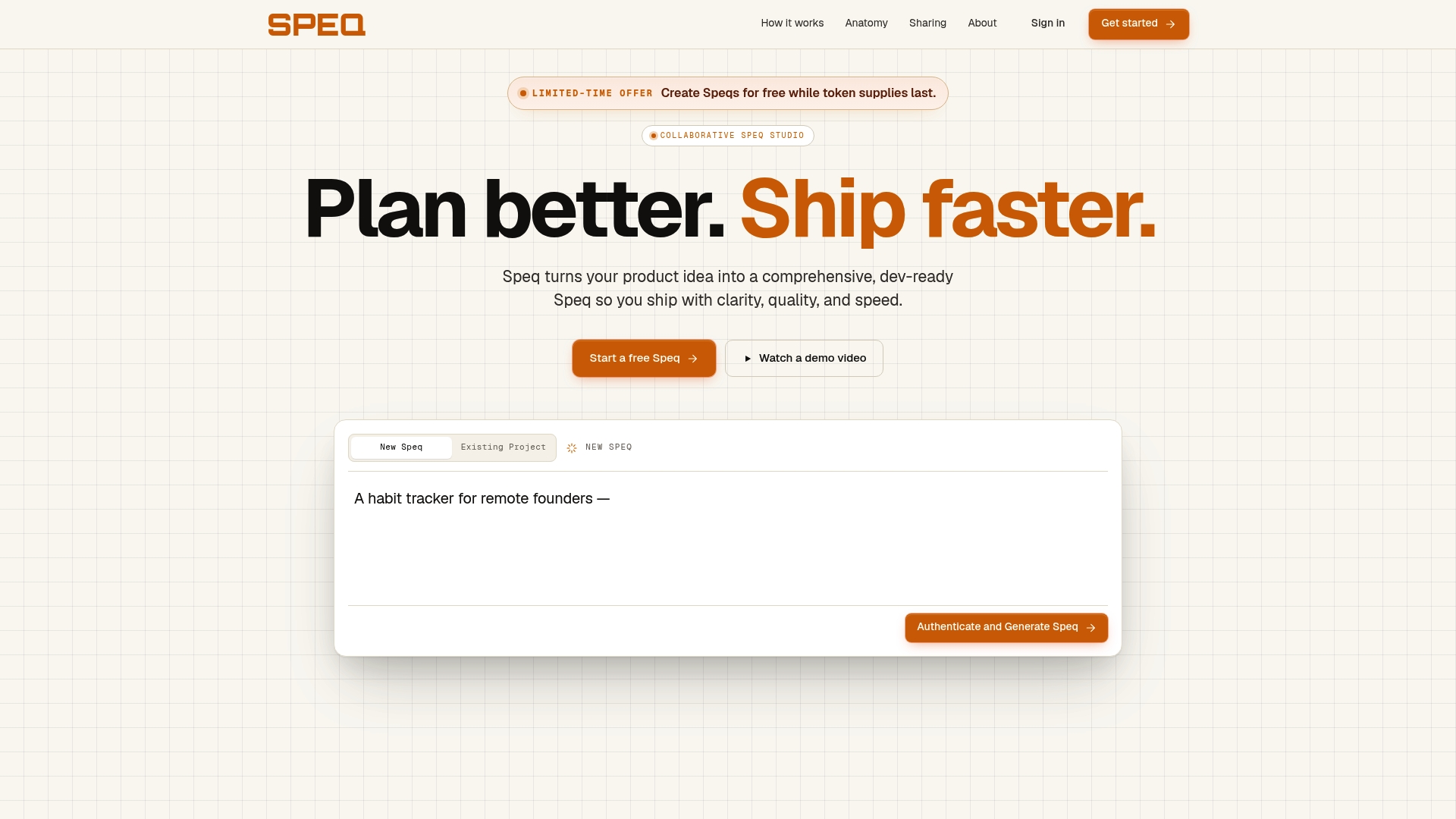
SPEQ exports finished product plans as PRD, JSON, or a full project bundle for handoff to engineers and automation tools. The tool guides teams through vision, flow, requirements, logic, and implementation phases to turn rough ideas into dev ready specs. Collaboration and review tools support small teams and solo founders during planning and handoff.
Core Features
A guided three step ideation and specification flow walks you from high level concept to testable requirements while keeping phases connected. The workspace supports real time collaboration, review comments, and export options for PRD, JSON, and a full project bundle. Handoff integrations aim to ease delivery to engineers and automation tools, and the platform surfaces assumptions and edge cases during definition.
Key Differentiator
A phase connected workflow moves teams from vague concepts to dev ready specifications without relying on rigid templates or static forms. That living process forces missing assumptions to surface while you build requirements and logic. The result is a single artefact your developers can act on with fewer open questions.
Pros
SPEQ offers a guided, hands on process that feels like working with an experienced product lead and helps non specialists write clearer requirements. The platform highlights implicit assumptions and edge cases early, which reduces back and forth during development. Structured exports and handoff options make it easier to push a spec into engineering workflows or documentation systems. Collaboration features let small teams review and iterate on a single shared spec.
Cons
- Limited detail on which technical stacks or developer tools are supported, so engineers may need clarification before implementation.
- May not scale well for highly complex or large enterprise initiatives with many interlocking systems.
- New users who are non technical could face a learning curve while adapting to the guided specification process.
When It May Not Fit
If your project spans many engineering teams, legacy systems, or extensive compliance requirements, SPEQ may lack the depth required for enterprise scale. The platform gives limited information on specific stack support and integrations for advanced CICD or proprietary toolchains. Organisations that need formalised enterprise governance or vendor audited integrations will likely need additional tooling.
Who It's For
Solo founders and small product teams who need a guided product specification tool will get the most value. Product leads who prefer an interactive, phase oriented approach to capture vision, flows, and logic will find the format productive. Teams that need a concise, exportable spec to hand off to a developer will benefit from SPEQ.
Real World Use Case
A solo founder sketches an app idea and uses SPEQ to refine vision, map flows, and write requirements. They export a PRD bundle and JSON payload, then share the package with a freelance developer for implementation. The spec reduces ambiguity and shortens the initial dev discovery calls.
Pricing
SPEQ lists pricing as not applicable and informational only. No public pricing tiers or per seat figures are listed on the site, so teams should contact the vendor for commercial details and licensing options.
Website: https://getspeq.com
Comparison of alternatives
Evaluating technical blueprint generation tools highlights Blueprintbot.net's speed and detailed outputs tailored for immediate developer use. However, alternative platforms offer distinctive advantages that better suit specific workflows or requirements.
Speed and self-contained output generation
Blueprintbot.net excels in delivering highly detailed, immediately usable blueprints within a remarkably short timeframe. Developers and teams gain insights, making fast iterations and early assessments feasible. This contrasts with SPEQ, which provides a phase-oriented planning workflow tailored to gradual collaboration but may require more time to refine details.
Context awareness and staged planning capabilities
Shotgun stands out for staged planning and customizing feature specifications by leveraging file-level organizational strategies. Its ability to run on open-source, locally executed models grants greater control over data privacy and operational costs. Blueprintbot.net, alternatively, targets broader application categories without assuming established codebases, servicing a different need.
Best fit
- For developers seeking advanced architectural blueprints for a wide range of applications, Blueprintbot.net offers rapid generation with rich functionality.
- For teams prioritising control over data and computation with local execution models, Shotgun ensures secure and context-aware planning.
- Enterprises requiring continuous monitoring and agent orchestration compatible across different platforms will find Agent Blueprint suitable for their multi-agent system requirements.
- Small teams or solo professionals preferring a guided approach to product planning and specification creation can rely on SPEQ for its intuitive ideation processes.
Our pick
Blueprintbot.net emerges as the standout choice for projects prioritising and fast blueprint generation with features tailored to diverse application requirements. However, for scenarios requiring specific context awareness, data sovereignty, or large-scale project orchestration, other tools in this comparison offer stronger alignment. Blueprintbot.net is most effective when speed and tailored comprehensiveness in blueprint generation are critical.
Blueprintbot excels by producing developer-focused technical blueprints with advanced AI-driven context-awareness, supporting rapid and structured app planning.
| Product | Key Differentiator | Best for | Pricing | Limitation |
|---|---|---|---|---|
| Blueprintbot | Enginered prompts tuned on Gemini AI for senior-architect-level | Early-stage founders and product | Free during beta | Relies on AI templates; human review is recommended for complex architectures |
| Shotgun | Staged, codebase-aware specifications for AI integration | Developers managing AI-driven | Price not published | Requires command line setup and familiarity |
| Agent Blueprint | Multi-agent system design with live performance tracking | Enterprise AI system developers | Price not published | Limited suitability for small-scale single-agent-focused projects |
| SPEQ | Guided phase-connected workflow for PRD and JSON exports | Small teams and solo founders | Price not published | May not scale well for highly complex or large enterprise systems |
What Makes Technical Blueprinting Difficult for Non-Technical Founders and Product Managers?
Many early-stage founders and product managers struggle to turn app ideas into clear, developer-ready specifications quickly. The lack of technical knowledge often slows down scoping and communication with engineers. Blueprintbot addresses this gap by generating detailed technical blueprints—covering architecture, database schema, API design, UI wireframes, and more—within seconds. Its AI chat assistant allows you to ask questions and refine the plan interactively.
Blueprintbot suits startups, freelancers, and product teams aiming to validate ideas faster and reduce development delays. See how Blueprintbot removes technical uncertainty and creates export-ready files to share with engineers at Blueprintbot.
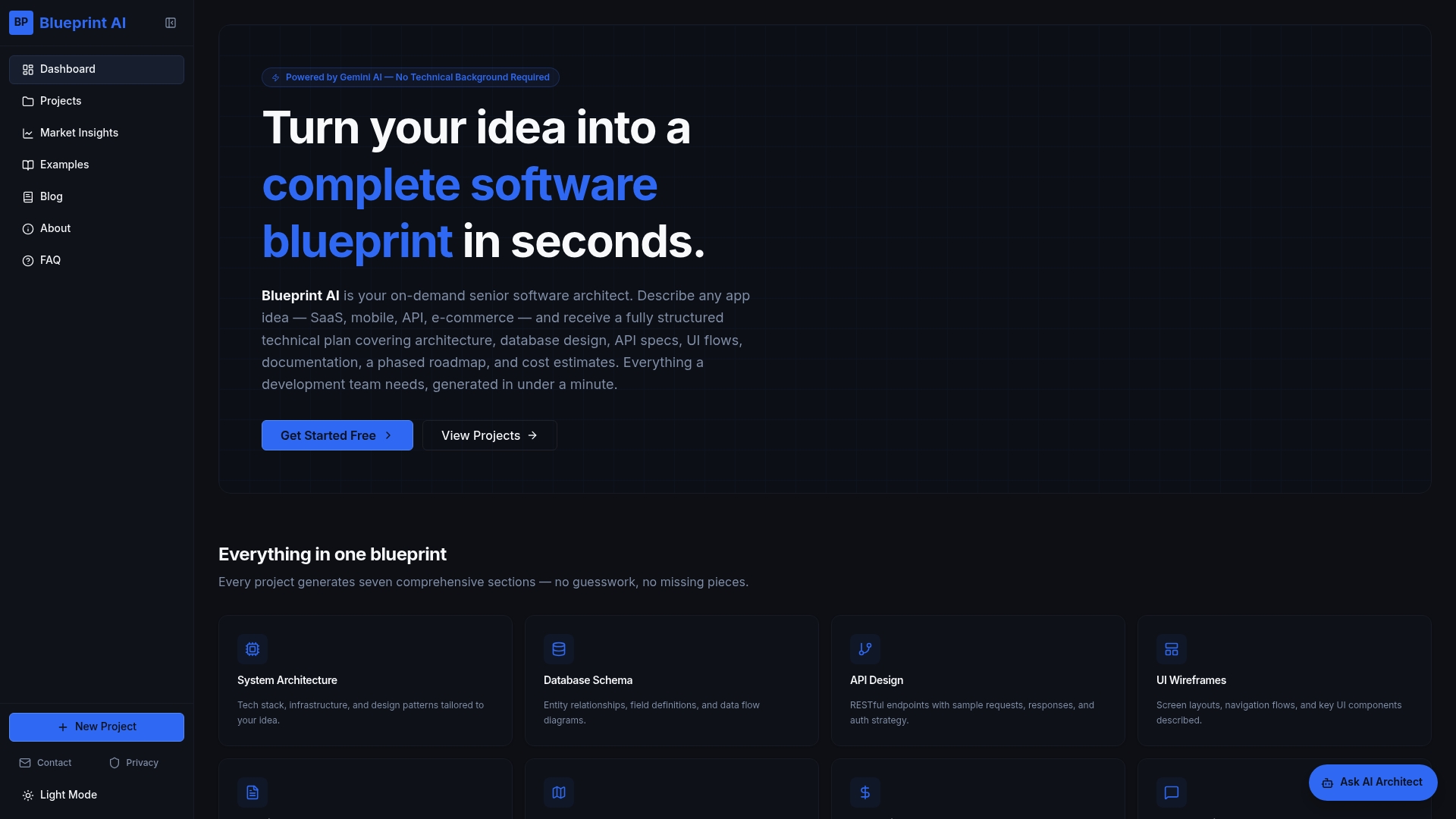
Turn your plain-English app concepts into structured blueprints today. Visit Blueprintbot and receive a fully detailed technical plan ready for investor review or sprint planning.
FAQ
How fast can Blueprintbot generate a technical blueprint?
Blueprintbot can create detailed technical blueprints in under a minute. It combines various outputs, including architecture and cost estimates, thanks to its powerful AI capabilities. Users can expect rapid turnaround for initial drafts, making it ideal for early-stage projects.
What is the difference between Shotgun and Blueprintbot?
Shotgun excels at producing staged, codebase-aware specifications for developers tackling complex features. In contrast, Blueprintbot targets non-technical founders and product managers, offering a more straightforward approach to generate complete technical specifications quickly. Both serve different user needs effectively.
Which platform offers the best support for iterating on designs?
Blueprintbot includes an integrated AI chat assistant that allows users to ask follow-up questions about design choices and trade-offs. This capability helps refine blueprints based on user input, enhancing overall project accuracy. It’s particularly useful for non-technical users who may need clarity on complex decisions.
Does Blueprintbot allow customization in generated blueprints?
Blueprintbot relies on AI-generated templates tailored to specific app types and scales, which may limit extensive customization for very complex architectures. Users looking for tailored outputs should consider supplementing Blueprintbot's initial drafts with human architectural review for intricate projects.
How does Blueprintbot's pricing compare during its beta period?
Blueprintbot offers free access during its beta phase with no credit card required. This setup lowers the barrier for users looking to validate their ideas quickly before committing to potential costs in future versions.
